
Sale!
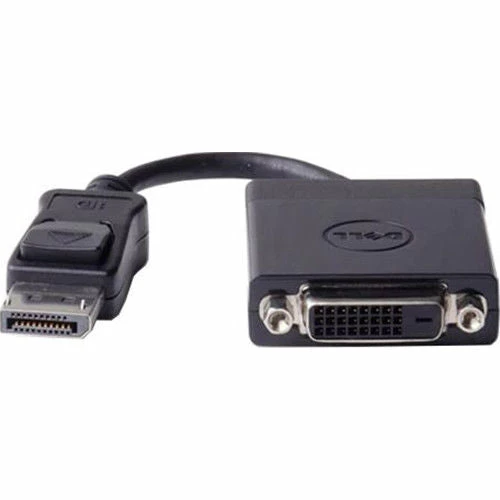
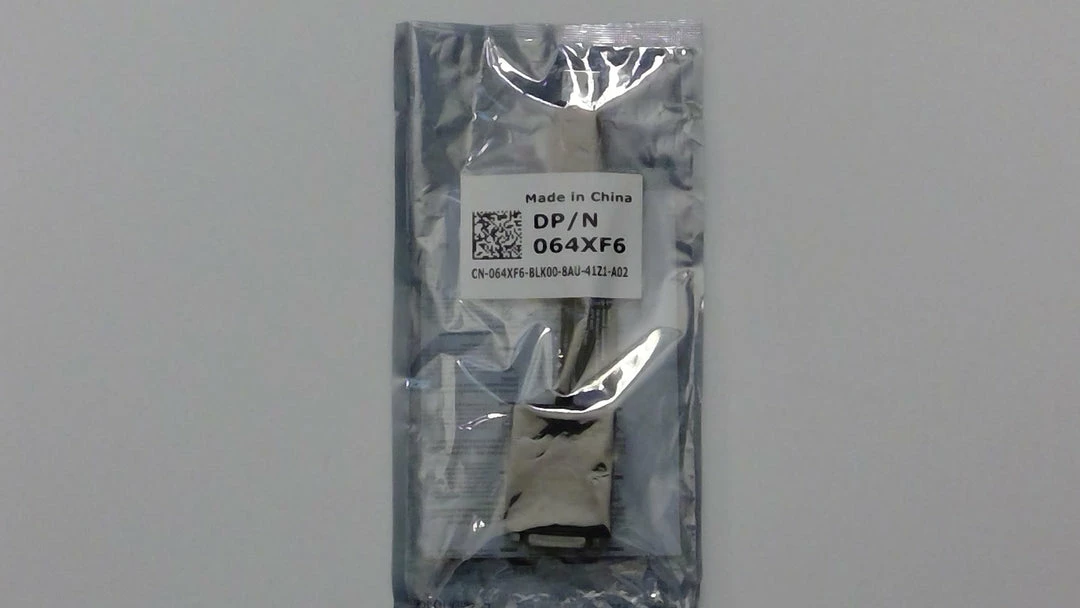
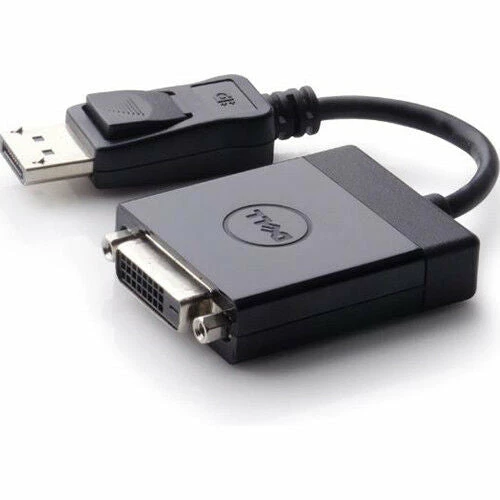
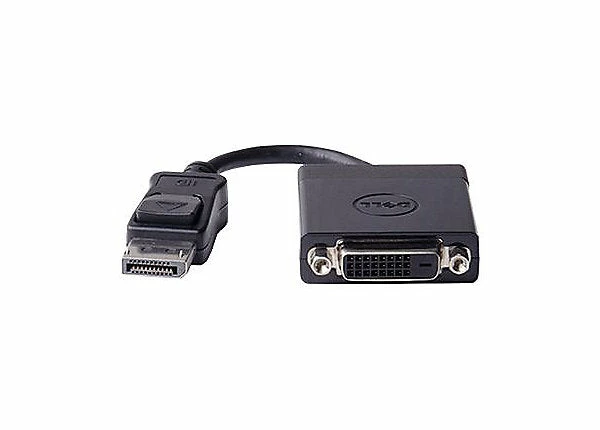
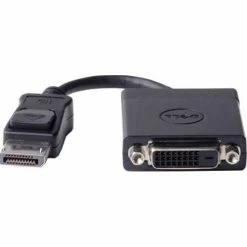
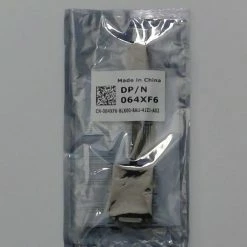
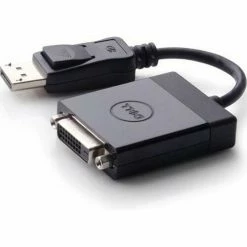
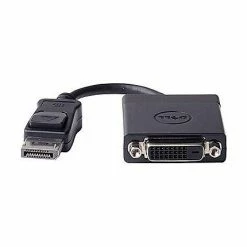
Bargainwizz Dell Displayport To DVI (Single-link)
Original price was: $18.74.$15.55Current price is: $15.55.
- Your satisfaction is 100% guaranteed.
- We take quality seriously.
- 100% Quality Satisfaction
- Uncompromising quality, every time.

Use this 6 ft. single-link adapter cable to connect a computer or laptop with DisplayPort video output to a DVI monitor. Simply plug the cable into your DisplayPort computer and your DVI monitor. You don’t need a separate adapter or device cable.
Typical Applications
- Use your current DVI monitor with your newer DisplayPort desktop or laptop computer
- Use your DVI monitor as a secondary display
- Use a DVI projector with your DisplayPort desktop or laptop computer
What’s Required
- Computer with DisplayPort output (full-size port)
- Monitor with DVI input
- Device type: video converter.
- Interfaces: 1 DisplayPort input (20-pin DisplayPort); 1 DVI-D output (18 + 1 digital DVI pin (Single-Link)).
- Maximum resolution: 1920 x 1200
- Dell Adapter – DisplayPort to DVI (single link)
- Designed for: Alienware 13; Inspiron 3050, 3252, 36XX, 3847; Latitude 14, 5414, 7214, 7414, E5440, E5450, E5550, E6330, E6440, E6540, E7240, E7250, E7440, E7450; OptiPlex 30XX, 5050, 5250, 70XX, 74XX, 90XX; Precision T1650; Precision Mobile Workstation 7510, 7710; Precision Rack 7910; Precision tower. 7910.
*NEW/LIKE NEW conditions – This item is eligible for return. Please see our Buy Now return policy for more information.
| CONDITION | NEW* |
|---|
Be the first to review “Bargainwizz Dell Displayport To DVI (Single-link)”
Related products
Sale!


Electronic Toys
Bargainwizz Fly Recharging System Electronics, Computer & Office
Original price was: $20.96.$15.93Current price is: $15.93.
Sale!
Electronics, Computer & Office
Original price was: $5.24.$4.45Current price is: $4.45.
Sale!


Electronics, Computer & Office
Original price was: $140.99.$97.99Current price is: $97.99.
Sale!
Electronics, Computer & Office
Original price was: $8.29.$7.05Current price is: $7.05.
Sale!

Original price was: $33.71.$25.62Current price is: $25.62.
Sale!


Computers
Original price was: $37.48.$29.61Current price is: $29.61.
Sale!

Electronics, Computer & Office
Bargainwizz C-Line Standard Weight Poly Sheet Protectors Electronics, Computer & Office
Original price was: $4.65.$3.81Current price is: $3.81.
Sale!
Original price was: $29.96.$24.27Current price is: $24.27.
Reviews
There are no reviews yet.